Capturing an HTML tag
See also:
Capturing an HTML tag with XPath expressions
Capturing an HTML tag with CSS selectors
Capturing an HTML tag based on its tag properties
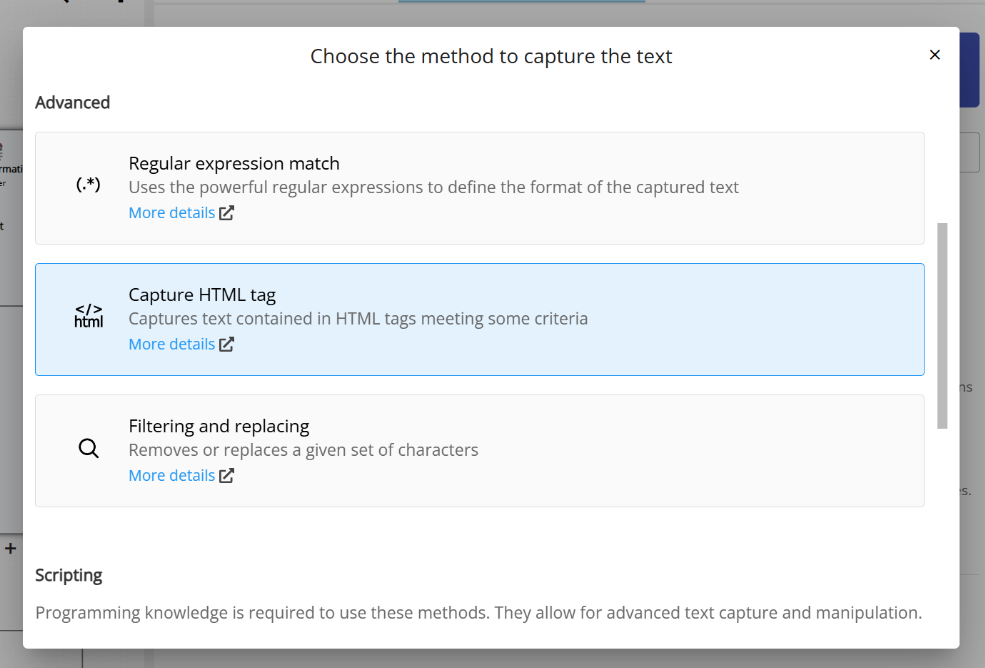
Every incoming email in Email Parser has a pre-defined set of fields that store information such as the email subject, the date it was sent, the body text, and more. Among these fields, there is one called “BodyHTML” that contains the email body in HTML format, as opposed to the “Body” field which contains just the plain text version.
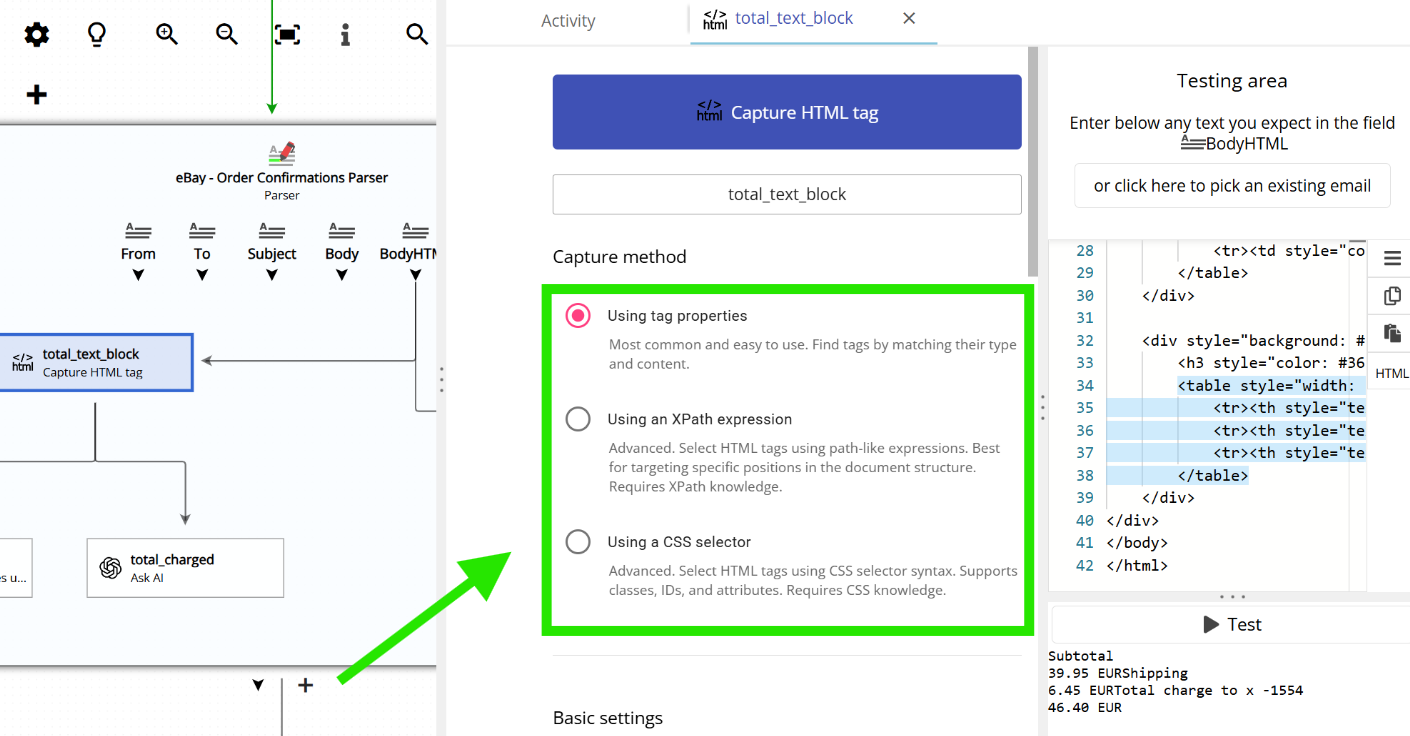
Capturing text from HTML is not as straightforward as doing it from plain text. Since HTML can become quite complex, Email Parser provides three different methods for extracting content from it:
- XPath expressions: These are path-like expressions (such as
/div/tr/td) that describe where an HTML tag is located based on its parent tags. They work similarly to a file path on your computer (for example,C:\Users\John\Documents). - CSS selectors: HTML tags are usually labeled with a class name or an id. CSS selectors use these labels to identify a specific tag. For instance,
#headertargets an element by its id, and.bold_texttargets elements by their class name. - By HTML tag properties: With this method, you select the HTML tag by specifying its content or properties such as its style, attributes, or other characteristics.
XPath expressions and CSS selectors are not specific to Email Parser. Like Regular Expressions, they are widely used technologies and you can find plenty of information about them online. Email Parser simply leverages these well-known standards to help you capture information from your emails.
