Running a SQL statement in a MySQL server database
See also:
Handling SQL SELECT result
Example – Complete newsletter system with subscription handling and email delivery
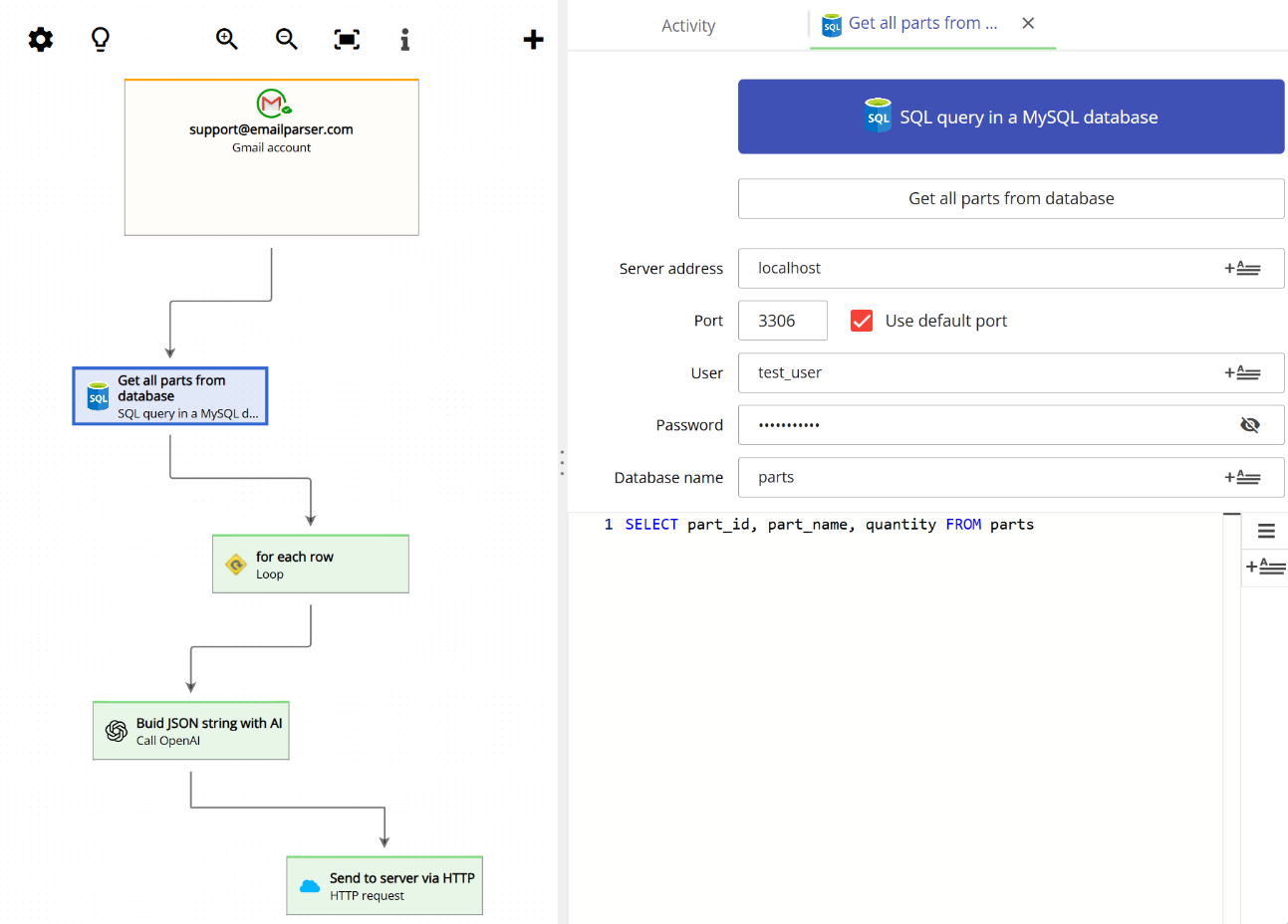
MySQL is one of the most popular open-source relational databases available. To configure this action, you will need the standard connection parameters that MySQL requires: server address, port number, username, and password. These are the same credentials you would use in any other application that connects to a MySQL database.

The animation below shows the full workflow of using a MySQL database action when an email is processed. The steps in this example are:
- An email is selected from the existing emails in the account and processed by Email Parser
- A SQL SELECT statement queries the database to retrieve a list of rows
- A loop action runs the following steps once for each retrieved row
- An OpenAI ChatGPT model builds a JSON string using the row data
- The JSON string is sent to an external server via an HTTP request
Keep in mind that you can use any kind of SQL statement (INSERT, UPDATE, DELETE, etc.), although only a SELECT statement will generate new fields that can be used in subsequent actions.