Sending an email
See also:
Forwarding an email
How to save email attachments automatically
Handling and notifying errors
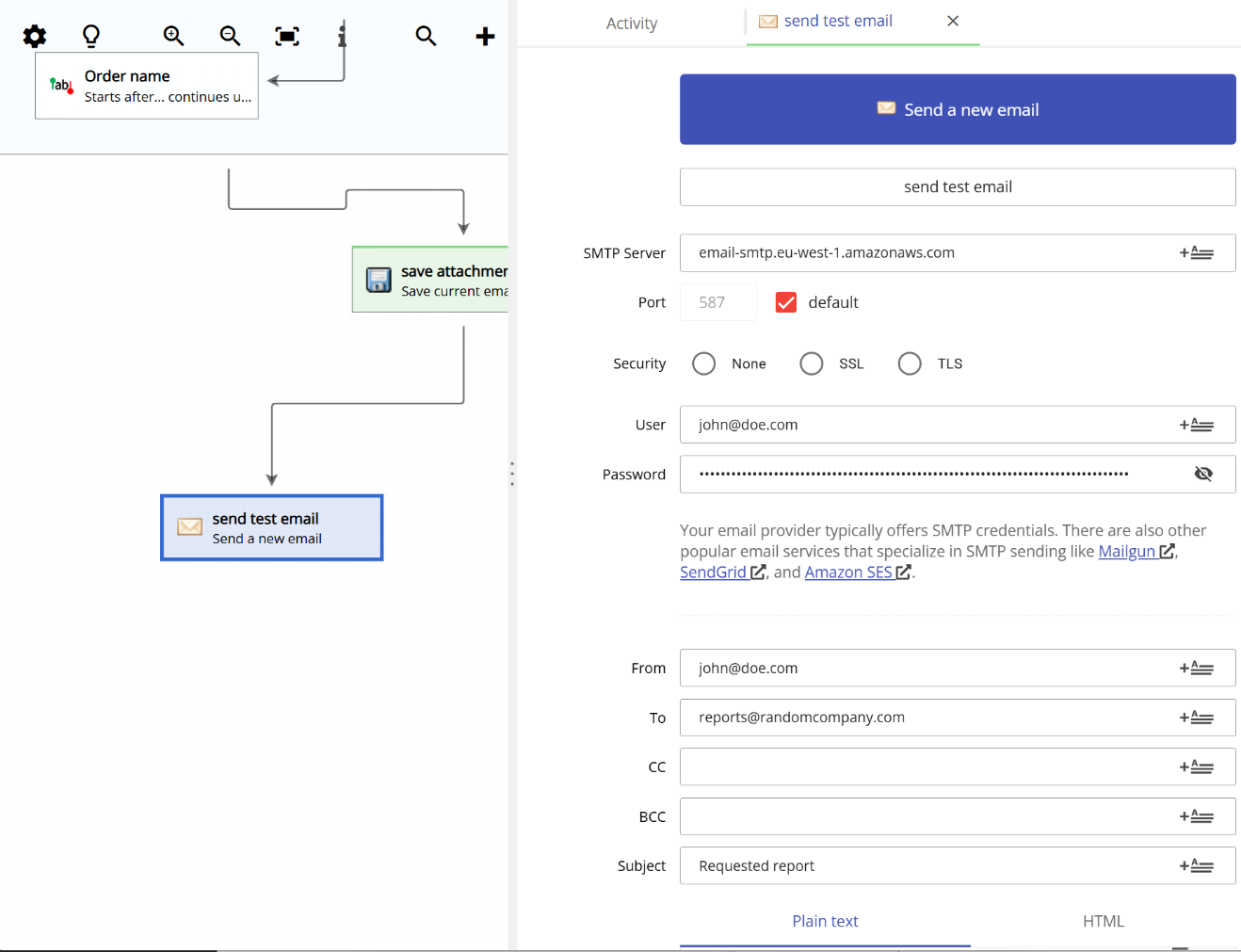
You can send automatic responses and confirmations from Email Parser. The “Send email” action can take existing fields and already parsed data and send an outgoing email to the indicated sender.
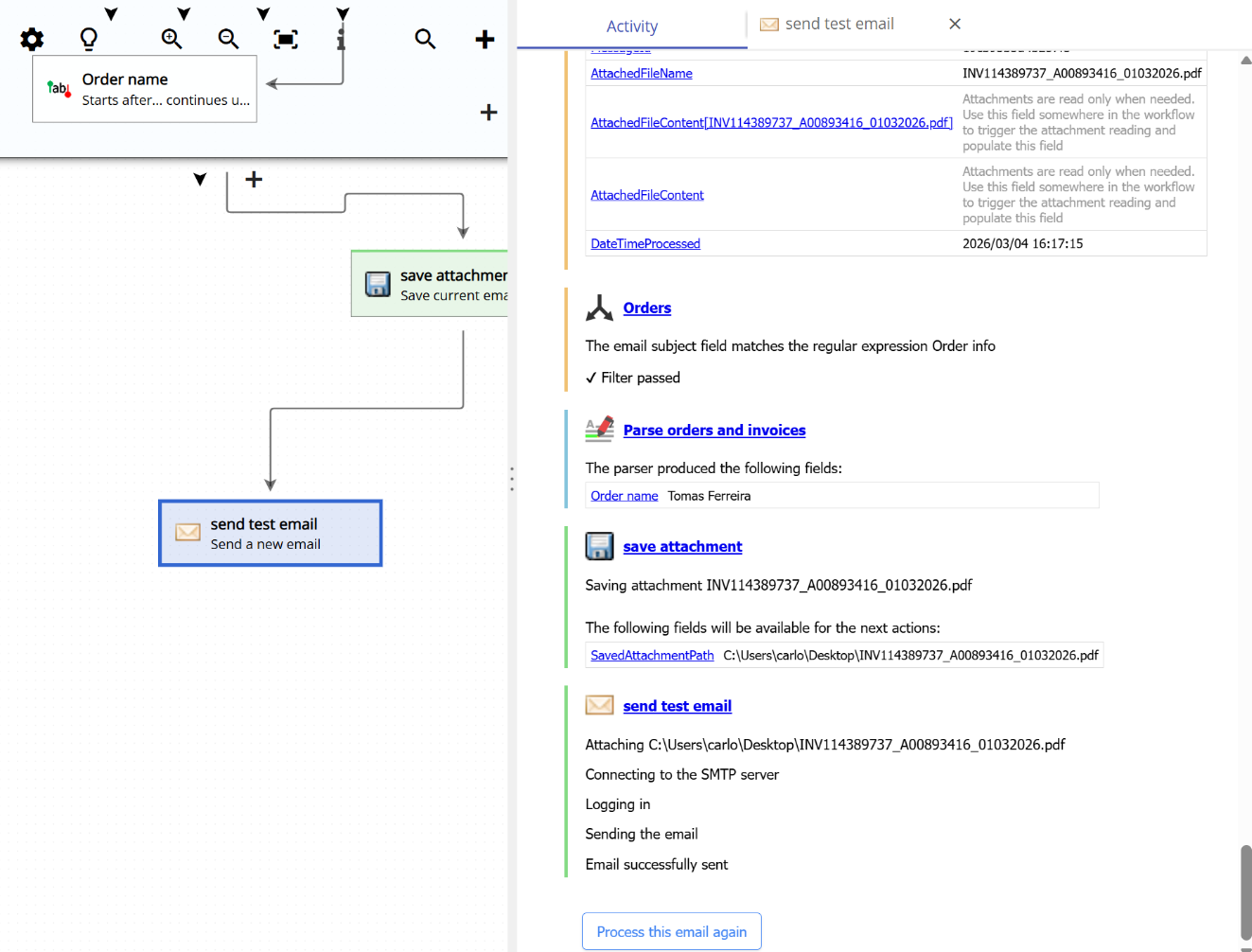
The following screenshot shows an example where Email Parser sends a reply to the customer with a file attached.
Composing your email
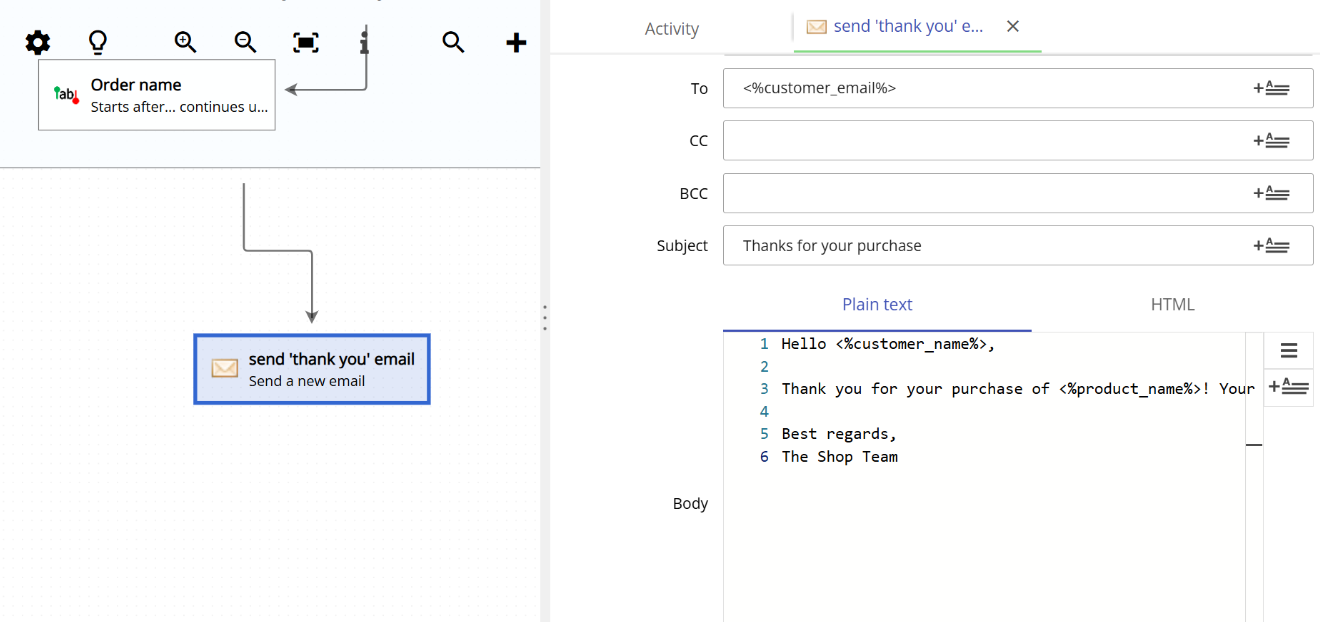
Emails have two versions of the body: an HTML version and a plain text version. Email Parser lets you enter both, but if only one is provided, Email Parser will automatically generate the missing one. For example, if you enter only the plain text body, Email Parser will generate the HTML version for you, and vice versa.
You can use field placeholders to insert known values into your email. For example, writing Hello <%name%> in the email body will replace <%name%> with the actual value of the field named name. This field can come from the incoming email itself, from a database query, or from an external source such as a customer record retrieved from an API.
There are many online tools that make it easy to design the HTML part of your email. Some popular options are Stripo
