How to run an action multiple times
See also:
Handling SQL SELECT result
Example – Capture repeated text fields and write them to an Excel file
In Email Parser, actions in the workflow diagram typically run once per email. However, some emails contain repeated information, such as a list of order line items, a table of transactions, or a set of scheduled entries. In these cases, you may need to run one or more actions multiple times, once for each group of values extracted from the email.
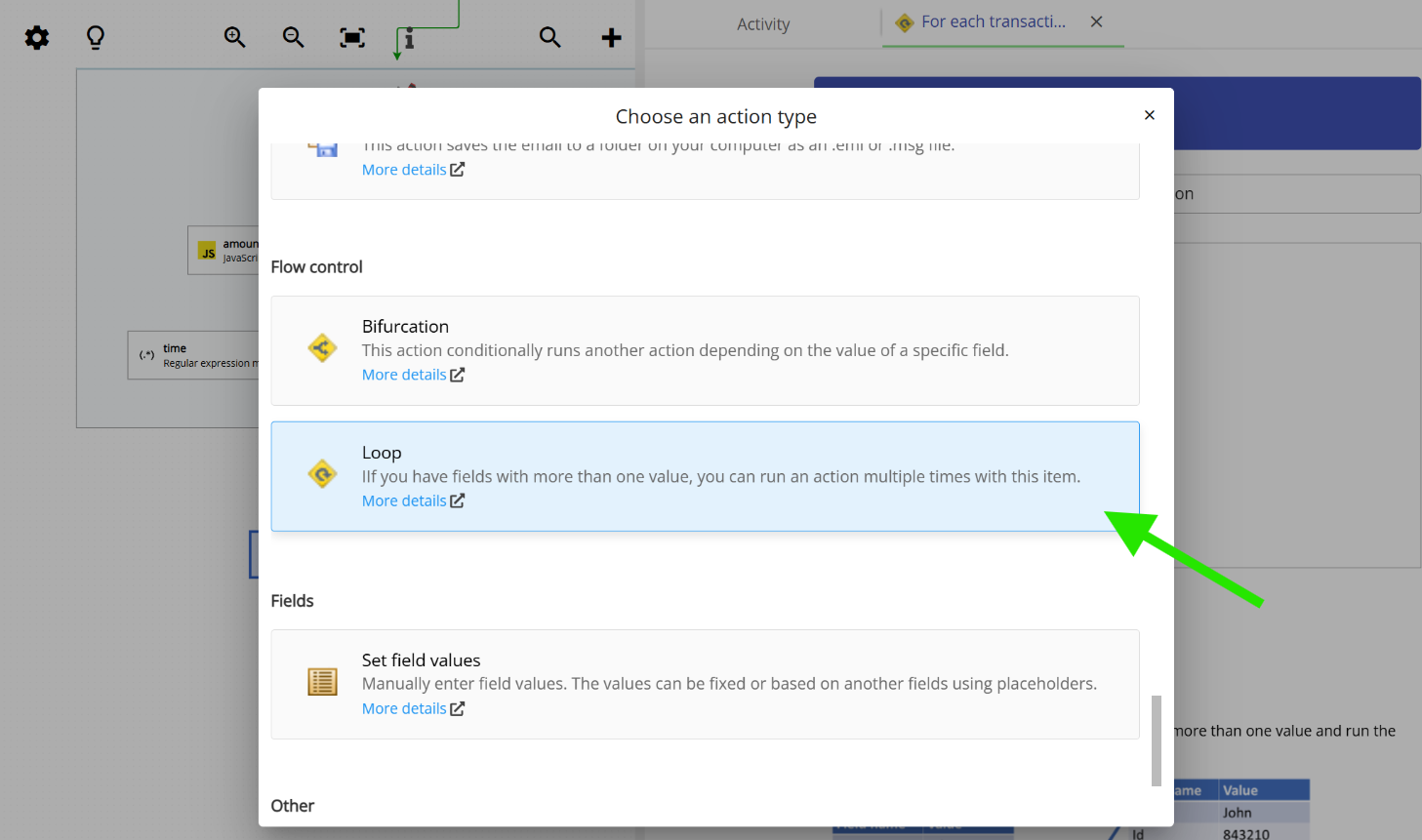
To handle this, Email Parser provides a special action type called Loop. The Loop action reads a set of fields that contain multiple values and runs all the actions connected to it once for each group of values. This makes it straightforward to process structured, repeating data from email content.
Configuring the Loop action
When you add a Loop action to your workflow, you configure it by specifying the field names that contain the repeating values. These fields should have been captured by a parser action earlier in the workflow, and each field must contain the same number of values so that Email Parser can group them correctly.
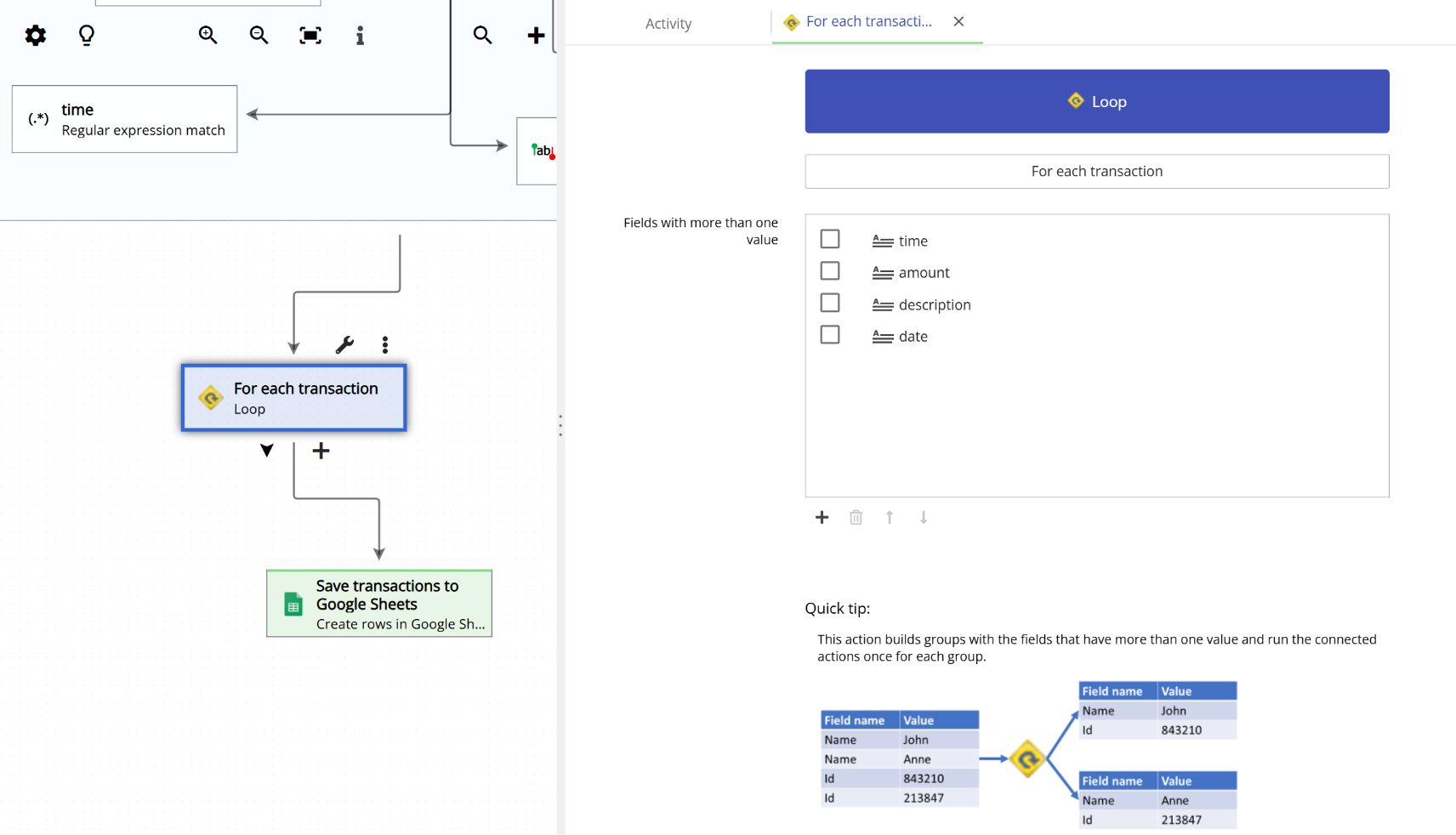
For each group of values, Email Parser runs all the actions connected to the Loop action, passing the corresponding value from each field into those actions. Once all groups have been processed, the workflow continues with any actions connected after the Loop action.
Example: processing multiple line items
Consider an email that contains a list of line items, where each item has four associated pieces of information: a time, an amount, a description, and a date. After a parser action extracts these values, each of the four fields will contain multiple values, one per line item.
If you configure a Loop action with these four fields (time, amount, description, and date) and connect it to, say, a “Write to spreadsheet” action, Email Parser will run the spreadsheet action once for each line item. So if the email contains three line items, the spreadsheet action will run three times, writing one row per item.
The animation below shows this example in action:

You can connect any number of actions to a Loop action, and all of them will be executed for each iteration. This allows you to build workflows that, for example, write data to a spreadsheet, send an HTTP request, and log a record, all for each individual line item in a single email.
