☰ TOPICS
Where can I update my subscription, download invoices, or change billing details?
The quickest way is to click the button below. It will take you directly to the subscription portal:
Accessing subscription management from within the application
You can also reach the subscription portal directly from the Email Parser application. Open Email Parser, go to the Settings menu, and click on the Account tab. You will find the Manage subscription button there.
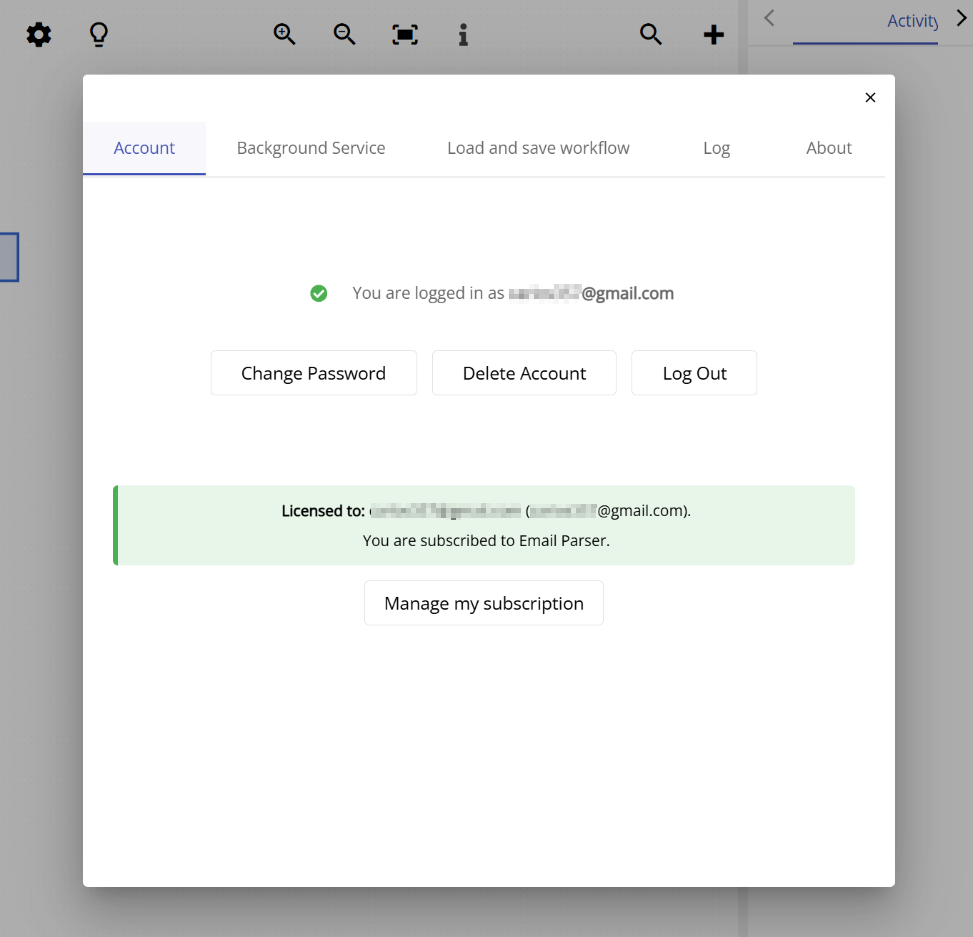
Clicking Manage subscription will open the subscription portal in your browser, where you can perform any of the following:
- Download or view your invoices
- Upgrade or change your subscription plan
- Cancel your subscription
- Update your billing address
- Set your VAT ID for tax purposes
