☰ TOPICS
How do I find my license key?
Important: This help topic applies only to older versions of the Windows app (before version 7.0, released in January 2026). The Web app and the Windows app version 7.0 and later do not use license keys.
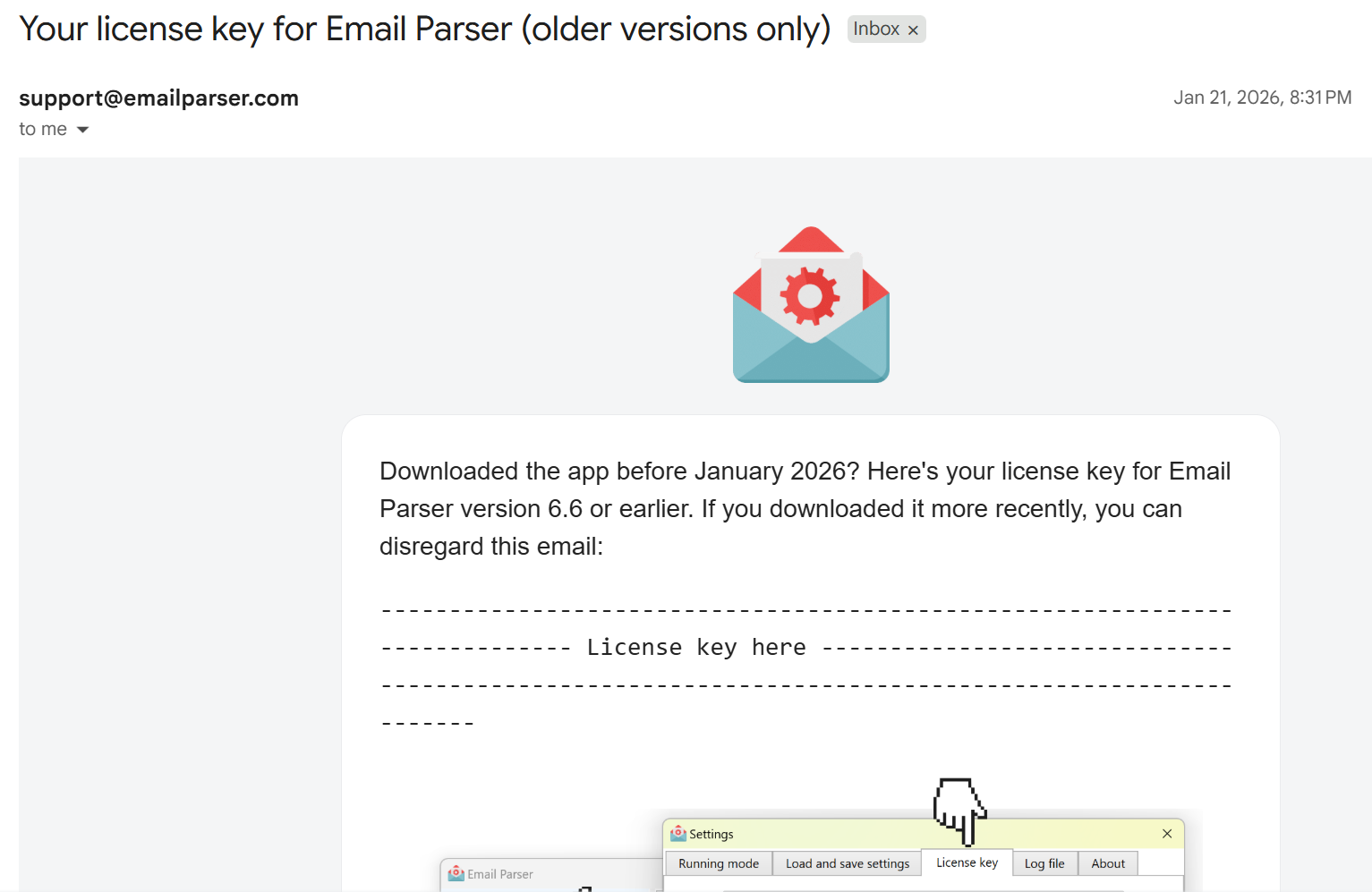
License keys are automatically sent by email to the address you entered when the subscription was created. The email has the subject “Your license key for Email Parser (older versions only)” and is sent from support@emailparser.com.
You receive this email just after your first payment and then yearly (each year a new license key is sent).
The email looks like this:
If you cannot find the email with your license key, please check your spam or junk mail folder. You can also contact our support team at support@emailparser.com for assistance.
