Tips for Writing a Good Prompt
See also:
Running an AI agent inside an action versus running it in a field
Supported OpenAI models
The credit system and using your own API key
Prompts can be written in plain, natural language with no special syntax to learn. However, following the principles shown in this page will help you get more consistent and accurate results from the AI.
The Two Ways to Call an AI Agent in Email Parser
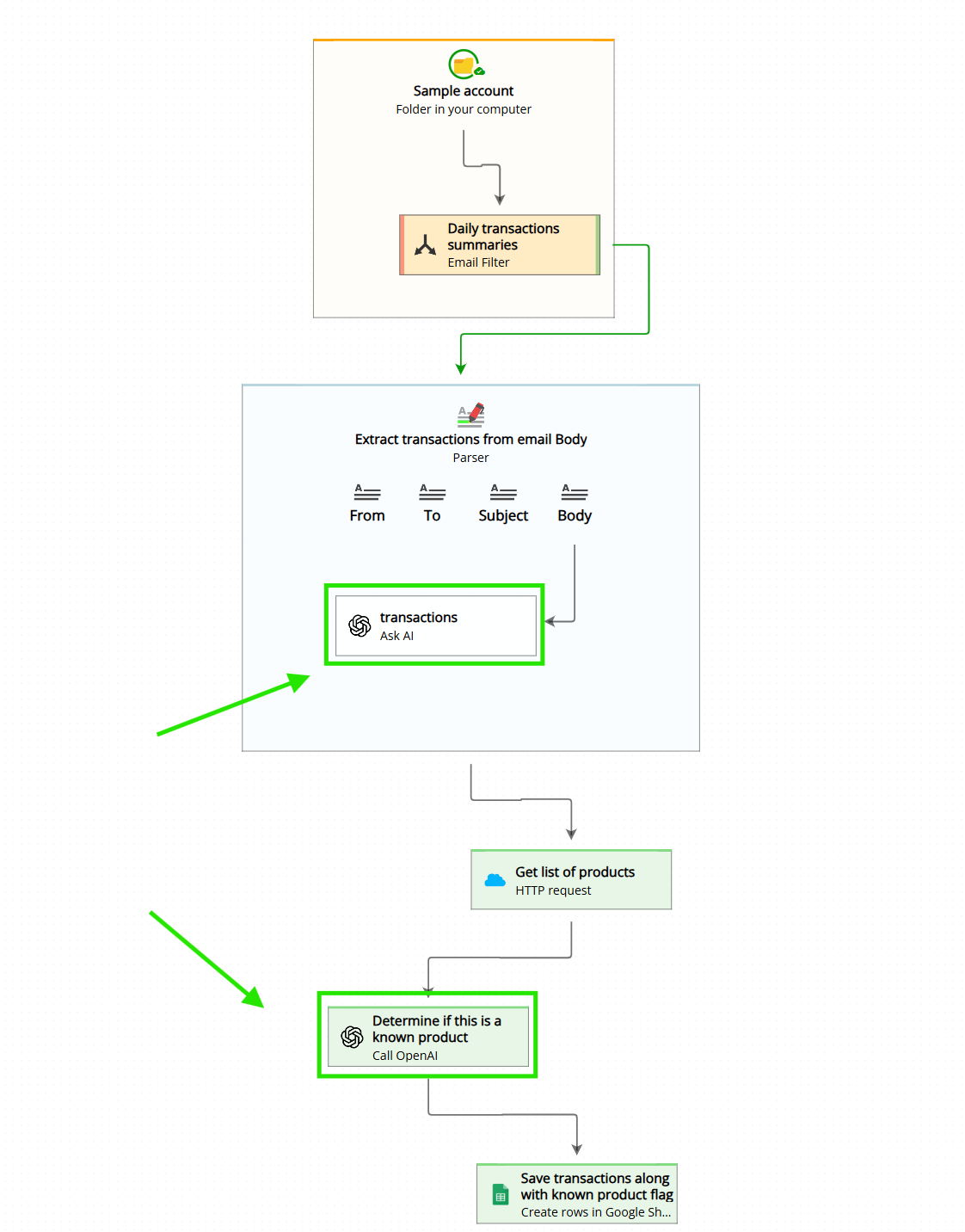
In Email Parser, you can call an AI agent in two different places: as a field inside a parser, or inside an action. See Running an AI agent inside an action versus running it in a field for more details. The strategies for writing a good prompt are a little different in each case.
Tips for Prompts When Running AI in a Parser
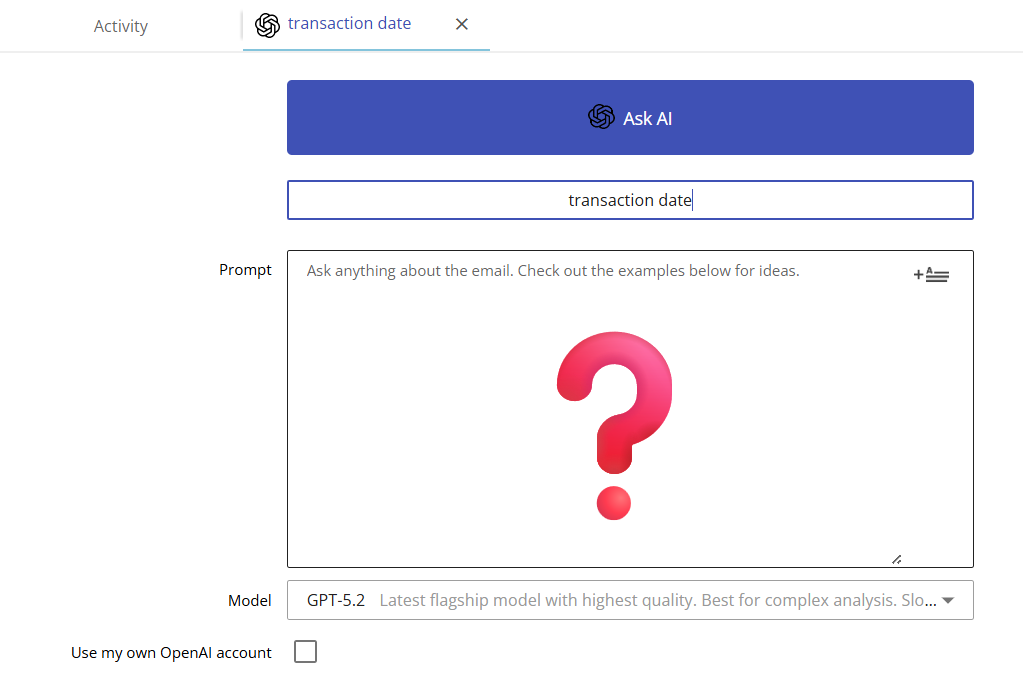
1. Refer to the input by field name or simply as “the input”
“ Take the address at the bottom of the Body. “
“ Take the amount in USD dollars shown in the input. “
“ Give me the customer name shown in the Subject. “
2. Provide examples of the expected output
“ The phone numbers in the input may contain spaces, dots, plus signs, and other symbols. Return only the digits. For example, if you find ‘555-839-249’, the output must be ‘555839249’. “
“ The date in the input may appear in different formats such as ‘January 5, 2024′ or ’05/01/2024’. Always return the date in the format YYYY-MM-DD. For example, both of those should return ‘2024-01-05’. “
Tips for Prompts When Running AI as an Action
In this case Email Parser gives the agent a lot of context (all the email and any previous execution data), so a well-structured prompt is especially important. Here are four practical tips to help you get consistent, accurate results:
1. Refer to data using field names
“ From the field named Subject, identify the customer name and save it to a new field called customer_name. “
“ Look at the field named From and extract the sender’s company domain. Save it to a field called sender_domain. “
2. Specify the output fields explicitly
“ From the Body field, extract the invoice number (save to invoice_number), the due date (save to due_date), and the total amount (save to total_amount). “
“ Read the Body field. For each item listed in the order, create one row in the field item_name with the product name and one row in the field item_price with its price. “
3. Include examples of input and expected output
“ Phone numbers in the email may appear with dashes, spaces, or parentheses – for example ‘(212) 555-0123’ or ‘212-555-0123’. Strip all symbols and return only the digits, like ‘2125550123’. Do not include any other characters. “
4. Experiment with different models
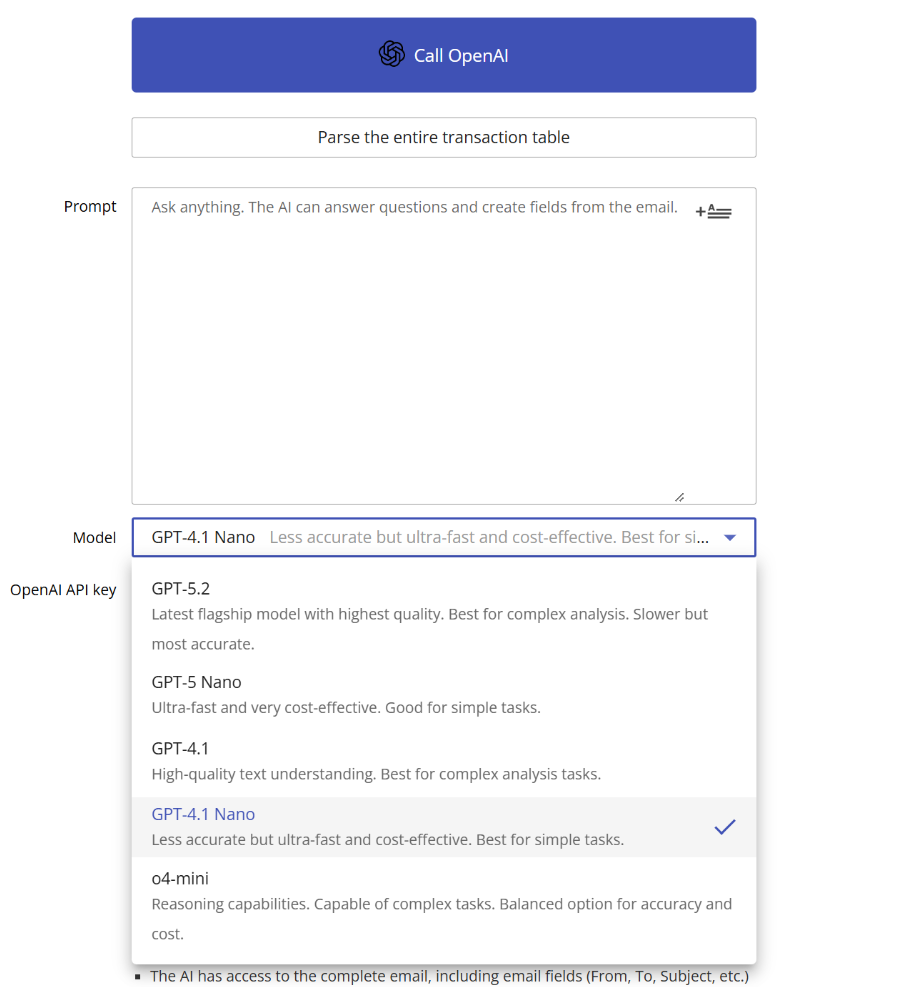
Start with a simpler, faster model and only scale up to a more capable reasoning model if the results are not good enough. More capable models produce better results but also cost more per request.