When does Email Parser process my emails?
Automatically when new emails arrive
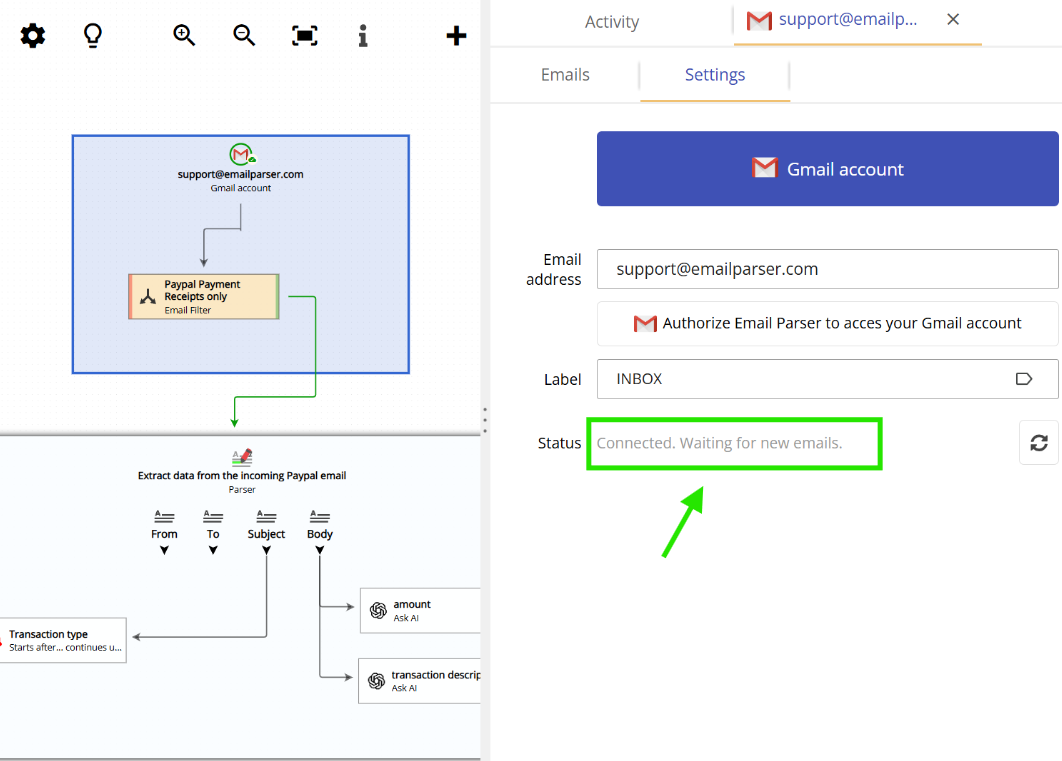
No extra configuration is needed to process emails when they arrive. As long as your email account is connected to Email Parser, the application will automatically process new emails as soon as they arrive.
For most account types, Email Parser checks the inbox every 10 seconds for new messages, while some account types support instant processing through persistent server connections:
- Gmail, POP, Office 365 or Exchange accounts: The inbox is checked every 10 seconds for new messages.
- IMAP accounts: Emails are processed instantly. Email Parser maintains an active connection to the server and receives notifications immediately when new emails arrive.
- File system folders: Emails are processed instantly when a new file is placed in the monitored folder.
Keep in mind that you also need to consider the time it takes for the email to travel from the sending server to your email account. While Email Parser processes emails very quickly once they arrive, network delays and email server routing can add a few seconds to the total time.
Manually when you select an email to process
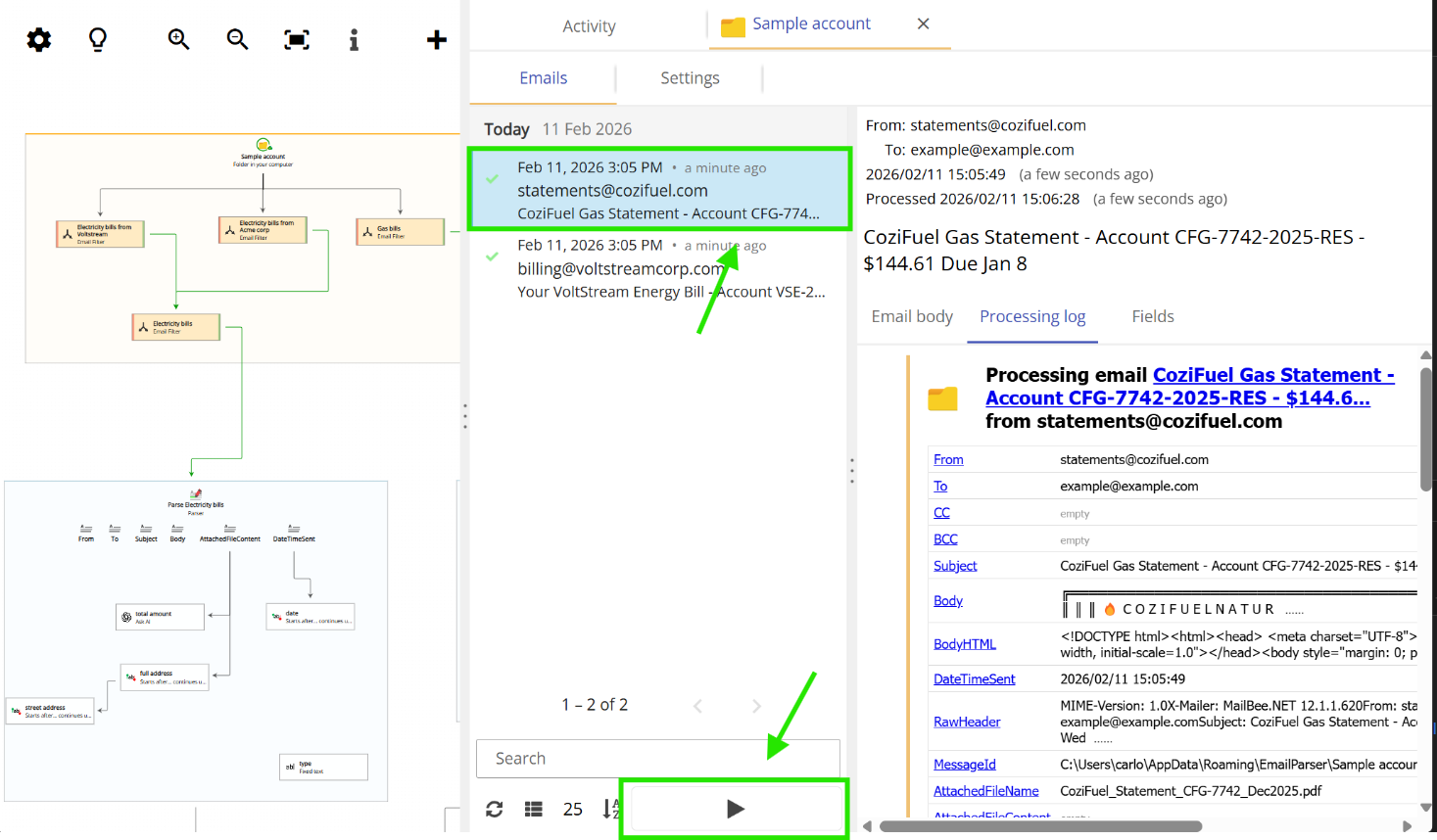
You can also manually process emails that are already in your inbox. This is useful when you want to test your parsing rules or process older emails that were received before you set up Email Parser.
To manually process an email, double-click on your email account in the workflow diagram (displayed on the left side of the application), and then double-click on an email from the list that appears. Email Parser will immediately process that specific email and extract the data according to your workflow.