☰ TOPICS
Backing up and transferring your workflow
See also:
Where does Email Parser save the configuration?
Email Parser lets you save your entire workflow to a file. This is useful when you want to create a backup of your current setup, move your configuration to a different computer, or migrate between the Windows app and the Web app.
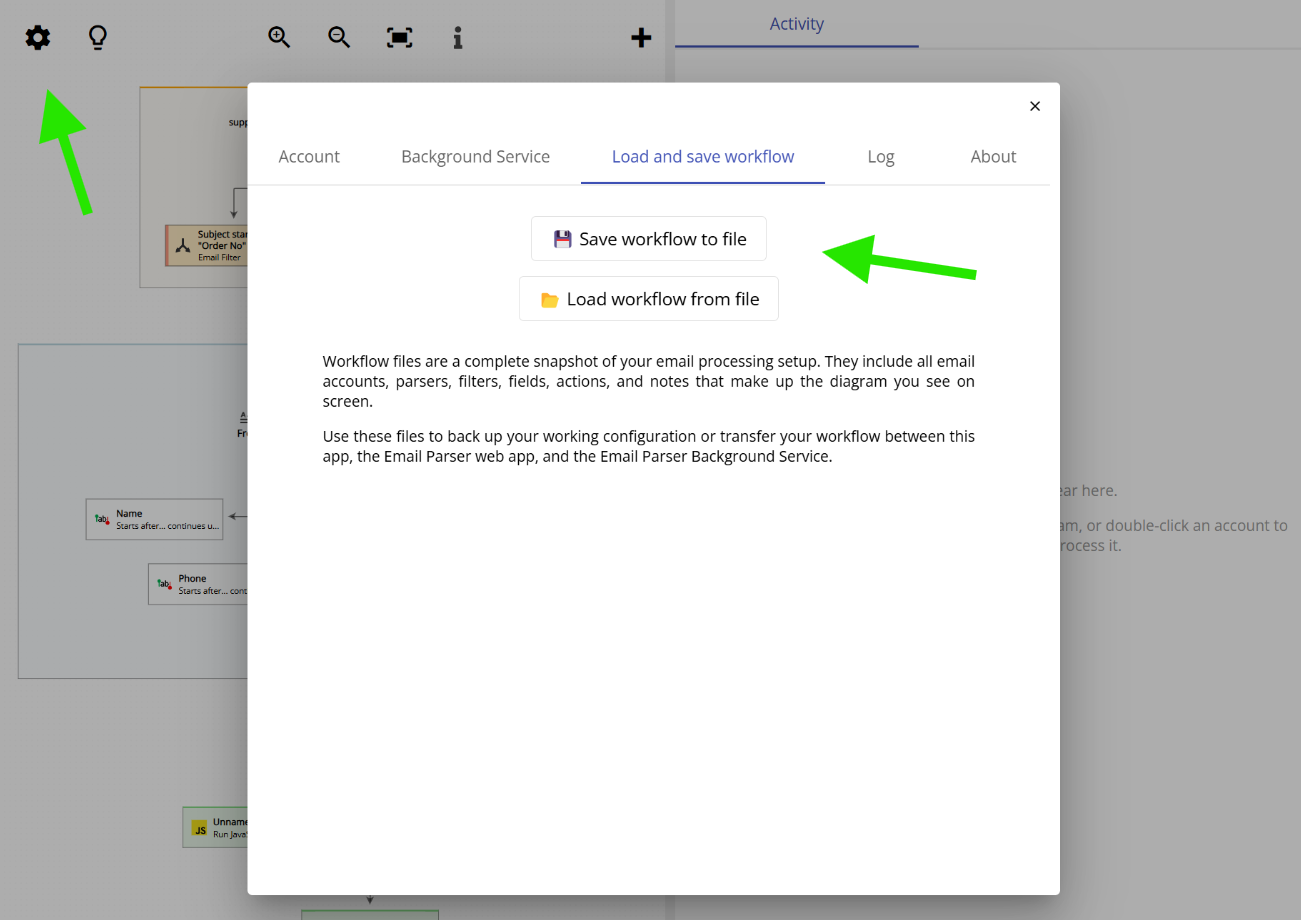
A workflow file is a complete snapshot of your email processing setup. It includes all email accounts, parsers, filters, fields, actions, and notes that make up the workflow diagram you see on screen. Note that it does not include the log of each processed email.
To save or load a workflow, click the first icon on the top-left area of the application and navigate to the Load and save workflow tab.